









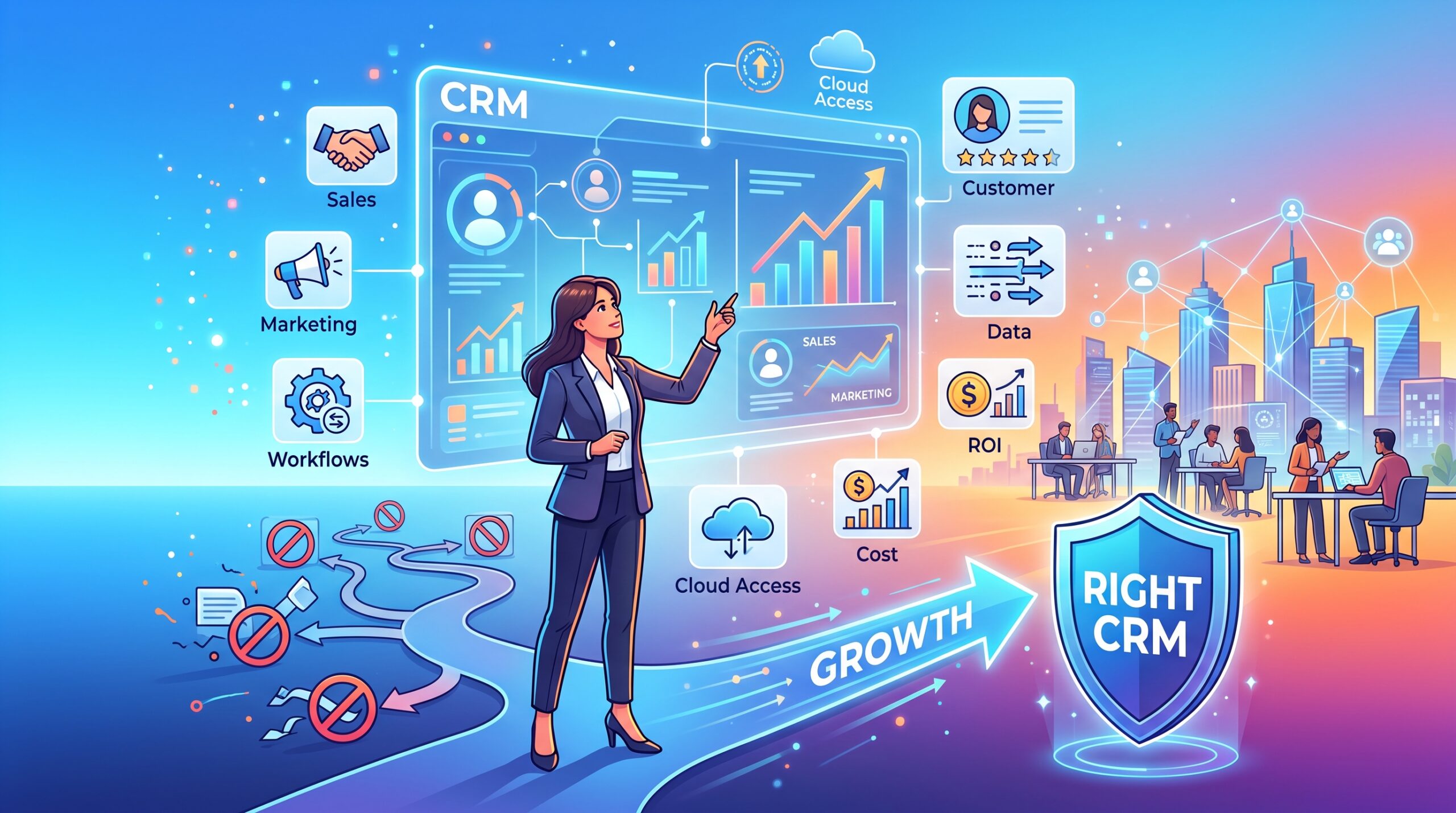
Selecting a Customer Relationship Management (CRM) system is one of the most critical technical and strategic decisions a growing business will make. Make the right choice, and you build a scalable engine for revenue. Choose poorly, and you risk fragmented data, frustrated sales teams, and thousands of dollars wasted on software that no one uses.
With hundreds of platforms on the market, ranging from lightweight contact managers to enterprise-grade behemoths, navigating the CRM landscape can be overwhelming. This guide breaks down the exact criteria you need to evaluate to choose a CRM that aligns with your current operations and scales seamlessly with your future growth.
1. Map Out Your Specific Sales Process
Before looking at software, you must look internally. A CRM is designed to streamline your existing workflows, not invent them. If your sales process is chaotic offline, a CRM will only digitize that chaos.
Document every step of your customer journey:
- Lead Generation: Where is your traffic coming from?
- Lead Qualification: How do you determine if a prospect is ready to buy?
- The Pitch/Proposal: How are offers delivered and tracked?
- Closing & Handoff: What happens after the contract is signed?
By understanding your exact pipeline, you can identify which CRM features are mandatory and which are just expensive distractions.
2. Evaluate Integration Capabilities First
A CRM should never exist in a vacuum; it must be the central hub of your digital ecosystem. If it cannot communicate directly with the tools you already use to drive traffic and manage content, it will create operational bottlenecks.
Pay close attention to native integrations and API access for:
- Content Management Systems (CMS): If your business relies on content-heavy WordPress architectures, the CRM must capture form submissions and user data instantly without triggering execution errors or server strain.
- Social Media & Traffic Sources: If you are funneling high-volume traffic from massive social media communities, the platform needs robust tracking to attribute where your highest-converting leads originated.
- Email Marketing & Support: Ensure seamless connections with your existing email delivery services and customer ticketing platforms.
3. Prioritize Usability and User Adoption
The number one reason CRM implementations fail is poor user adoption. If the interface is clunky, slow, or requires a degree in software engineering to navigate, your sales team will simply revert to spreadsheets.
When testing a CRM during a trial period, evaluate the following:
- Intuitive UI: Is the dashboard clean and logically organized?
- Mobile Accessibility: Can your team access client data and update deal stages from their phones?
- Data Entry: How much manual typing is required? The best CRMs automate data capture by logging emails and calls automatically.
4. Analyze Automation and Workflow Features
As your business grows, manual follow-ups become impossible. Your CRM must have the capability to handle repetitive tasks so your team can focus on closing deals.
Look for a platform that allows you to build logical “If/Then” workflows:
| Feature | Why It Matters |
| Lead Routing | Automatically assigns new leads to the correct sales rep based on territory, industry, or lead score. |
| Email Sequences | Triggers automated follow-up emails if a prospect hasn’t replied within a specific timeframe. |
| Task Generation | Creates reminders for reps to call a client when a contract is nearing its renewal date. |
| Pipeline Alerts | Notifies management if a high-value deal has been stagnant for too long. |
5. Calculate the True Total Cost of Ownership (TCO)
Software pricing pages can be highly deceptive. The advertised “$15 per user/month” often applies only to the most basic tier, stripped of the features you actually need.
When calculating the budget for your new system, factor in:
- Tier Upgrades: At what point will you be forced to upgrade to a more expensive tier? (e.g., hitting a cap on the number of contacts or needing advanced reporting).
- Implementation Costs: Does the software require hiring an external consultant to configure the database properly?
- Add-on Fees: Are there extra charges for API access, increased file storage, or dedicated customer support?
Conclusion
Choosing the right CRM requires looking past the flashy marketing features and focusing strictly on architecture, usability, and scalability. Start by defining your internal processes, prioritize seamless integrations with your existing web infrastructure, and test the software rigorously before locking yourself into an annual contract. The right platform won’t just store your contacts—it will become the foundation of your company’s growth.